
Retired PC drives find useful roles in an XDA home lab
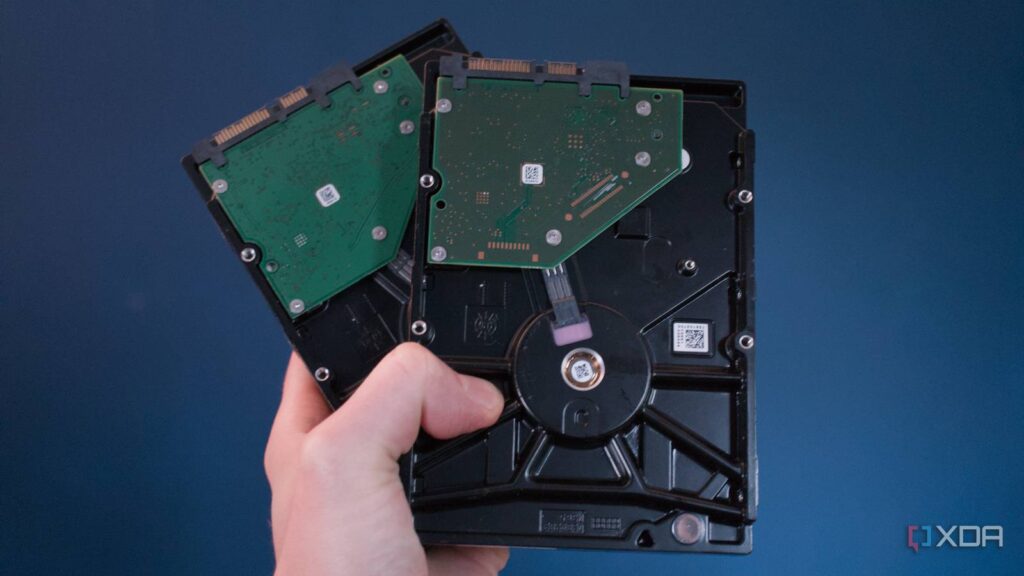
A PC storage upgrade can leave a perfectly usable drive without a job. In a November 27 report from XDA Developers, the publication’s PC Hardware Lead, Richard, describes putting those leftovers to work across his home lab, from running server software to storing security recordings.
His account offers a practical example for PC enthusiasts with spare components: a drive that no longer suits a main desktop may still have enough capacity and speed for a smaller, dedicated system.
Small SSDs handle server duties
One of Richard’s systems is a small-form-factor network video recorder with an Intel Core i5-7400 and 16GB of DDR4 memory. Its older SSD runs Proxmox and containers, and he reports that the drive has been in service for almost a decade.
A separate Minisforum U850 serves as his primary home lab node, with 16GB of RAM and a 250GB SSD. That setup also illustrates the limitation of reusing small drives: Richard says its local storage pools are 33% and 92% occupied, bringing a future migration closer.
For his lighter workloads, including containers, Richard says he is unlikely to notice a difference between an older SATA SSD and a modern NVMe model during much of normal operation. That is an account of his own systems, rather than comparative benchmark testing.
Hard drives take the recording workload
Richard’s video recorder pairs its SSD with a 2TB mechanical drive that stores footage. This gives the operating system and applications separate storage from the ongoing video recordings, while preserving SSD capacity for other tasks.
He also describes using older mechanical drives in his NAS and identifies backups of virtual machines and configuration files as useful jobs for smaller spare disks.
The qualification is drive health. Richard says he checks SMART reports, runs real-world tests and maintains a 3-2-1 backup strategy for valuable data. His experience makes a case for reassessing retired PC parts, while keeping their age and storage limits in view.